 Empty help
Fashion · Inside the Empty PC
ZERO.
A new wardrobe. The same amount of laundry.
ZERO gives pretend shopping a quieter, fashion-store pace. Explore the women’s and men’s departments, move between clothing and accessories, and open an item to inspect its available options. It is a different way into Empty’s parcel loop: a wardrobe browse rather than a marketplace search.
Open ZERO in EmptyFree to play in your browser. JavaScript is needed for the PC; this guide works without it.
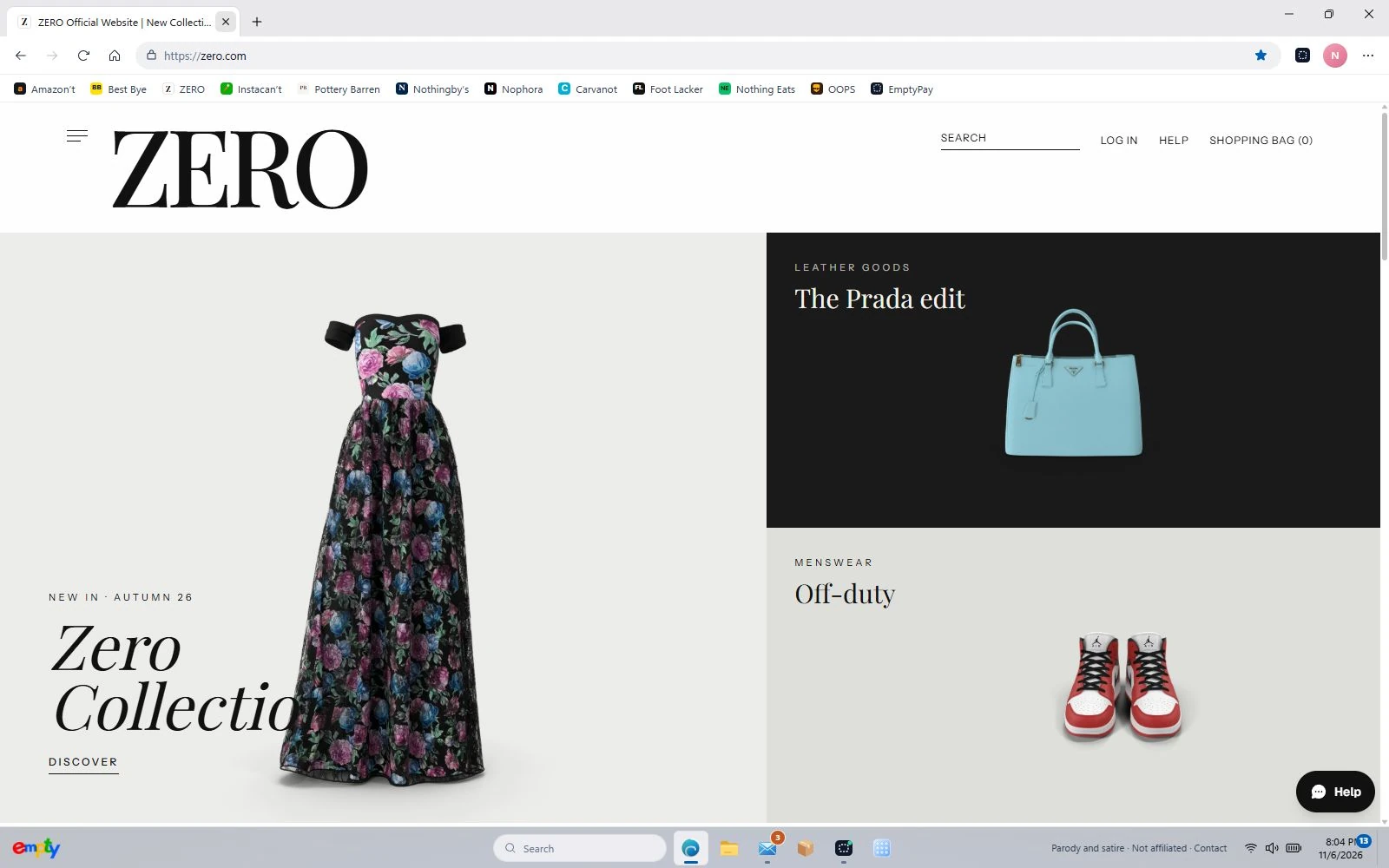
Build a look before you fill the bag
Start with a dress or a shirt, then browse bags, shoes or sunglasses. Clothing that needs a size asks for one on its product page; accessories do not all use the same options. Check what an individual listing offers instead of assuming every item comes in every size or colour.
Save it for another imaginary occasion
ZERO has a wishlist as well as a shopping bag. Save an item while you browse, or choose the available options and add it to the bag. The saved profile lives in this browser, so returning on the same device lets you pick up where you left off unless its site data has been cleared.
Try a specific stop
These shortcuts open the actual department or page inside Empty, so you can try the parts described above.
Before you switch on
ZERO is an original parody, not affiliated with or endorsed by Zara. The game uses imaginary money and fictional checkout details. No real purchase is made.
Your progress stays in this browser on this device. Read the playing guide or check privacy and contact details.