 Empty help
General shopping · Inside the Empty PC
Amazon’t.
An entire shopping list. Nothing to put away.
Amazon’t is the place to start when you want the whole online-shopping routine. It is Empty’s general marketplace: phones, groceries, kitchen things and an entirely plausible reason to keep browsing. The departments share one shop basket, so a practical purchase can sit beside something completely unnecessary.
Open Amazon’t in EmptyFree to play in your browser. JavaScript is needed for the PC; this guide works without it.
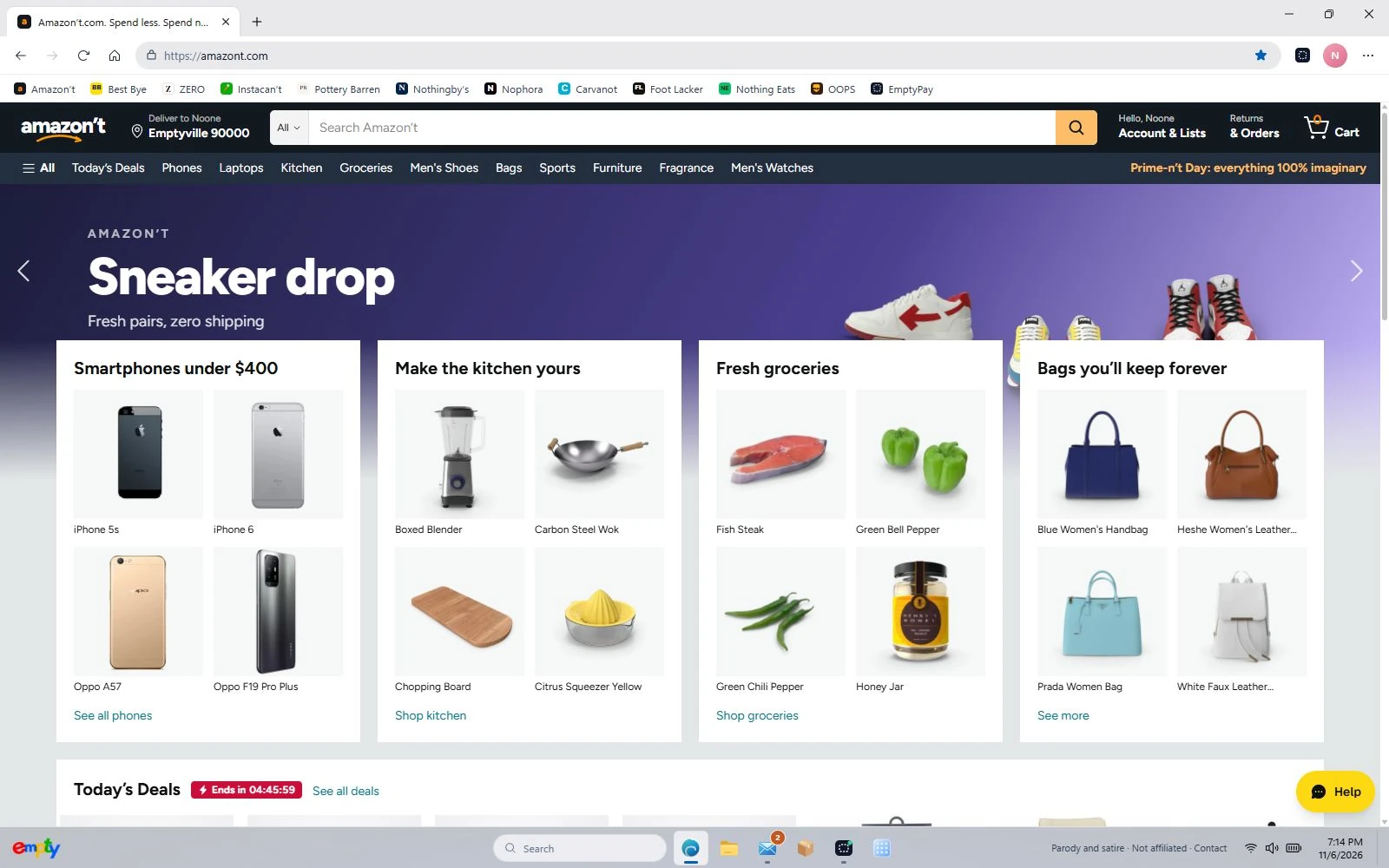
One basket, very different departments
Browse a department or search for a product, then open its item page before adding it. A phone, a kitchen accessory and a bag make a useful first mixed basket. Product pictures help you compare items, but the prices, ratings and transactions belong to the simulation.
A parcel you can actually finish opening
Continue from the basket to fictional checkout and EmptyPay. Choose a delivery speed, then use the shop’s order history or the desktop Parcels app to follow the order. Ordinary parcel deliveries reach an empty-box reveal; Mail and receipts remember the purchase around the same pretend PC.
Try a specific stop
These shortcuts open the actual department or page inside Empty, so you can try the parts described above.
Before you switch on
Amazon’t is an original parody, not affiliated with or endorsed by Amazon. The game uses imaginary money and fictional checkout details. No real purchase is made.
Your progress stays in this browser on this device. Read the playing guide or check privacy and contact details.