 Empty help
Groceries · Inside the Empty PC
Instacan’t.
The weekly shop. Minus the carrying it home.
Instacan’t is for the everyday kind of pretend purchase: fruit, pantry staples, something for the pet and whatever you forgot last time. Its aisle layout gives a grocery run a different rhythm from browsing a fashion edit or choosing a restaurant meal. The cupboards stay exactly as they were.
Open Instacan’t in EmptyFree to play in your browser. JavaScript is needed for the PC; this guide works without it.
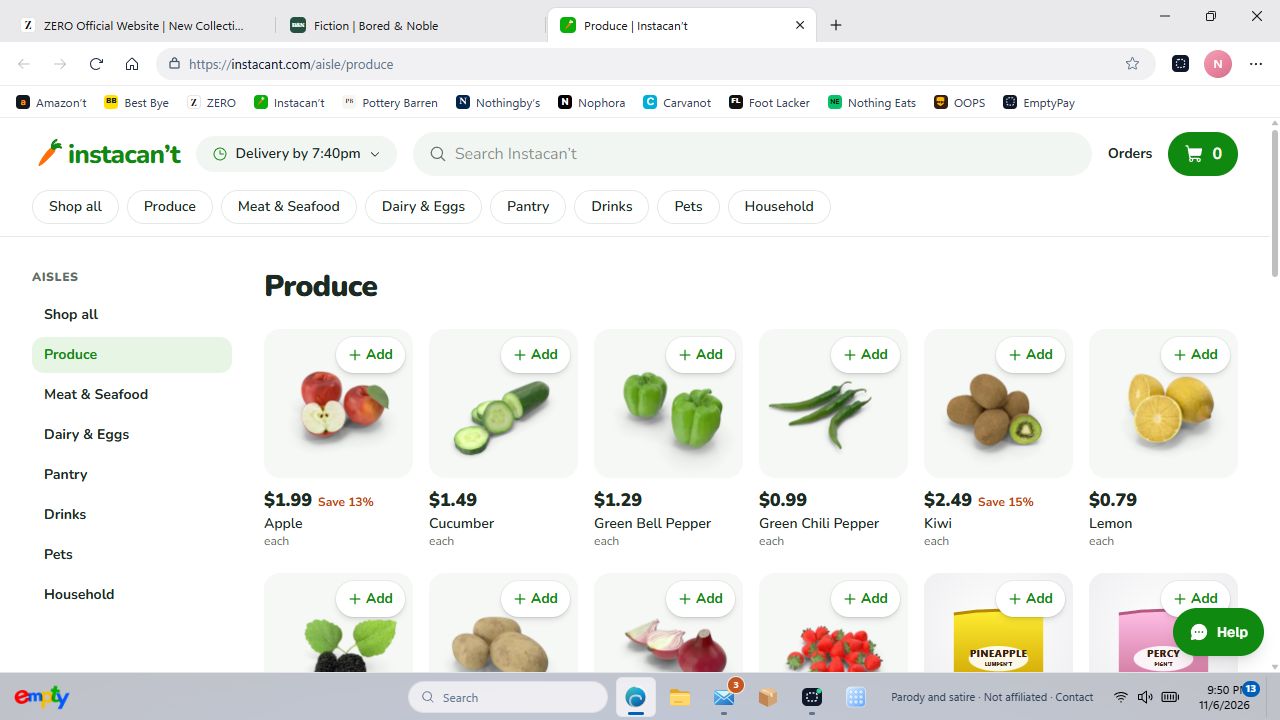
Shop an aisle at a time
Start in Produce, Pantry or Pets, or search for something specific. Product listings show a package size or unit where it is available, so an item sold individually does not read like a whole case. Open an item when you want a closer look before adding it.
Quantities make the shopping list
Use the quantity controls to build the basket you intended, then check its contents and pretend subtotal. Groceries use the shared shopping system and EmptyPay wallet; you are not creating a separate real supermarket account. Keep delivery details fictional when you continue to checkout.
Try a specific stop
These shortcuts open the actual department or page inside Empty, so you can try the parts described above.
Before you switch on
Instacan’t is an original parody, not affiliated with or endorsed by Instacart. The game uses imaginary money and fictional checkout details. No real purchase is made.
Your progress stays in this browser on this device. Read the playing guide or check privacy and contact details.