 Empty help
Food delivery · Inside the Empty PC
Nothing Eats.
Dinner is almost here. It has been for a while.
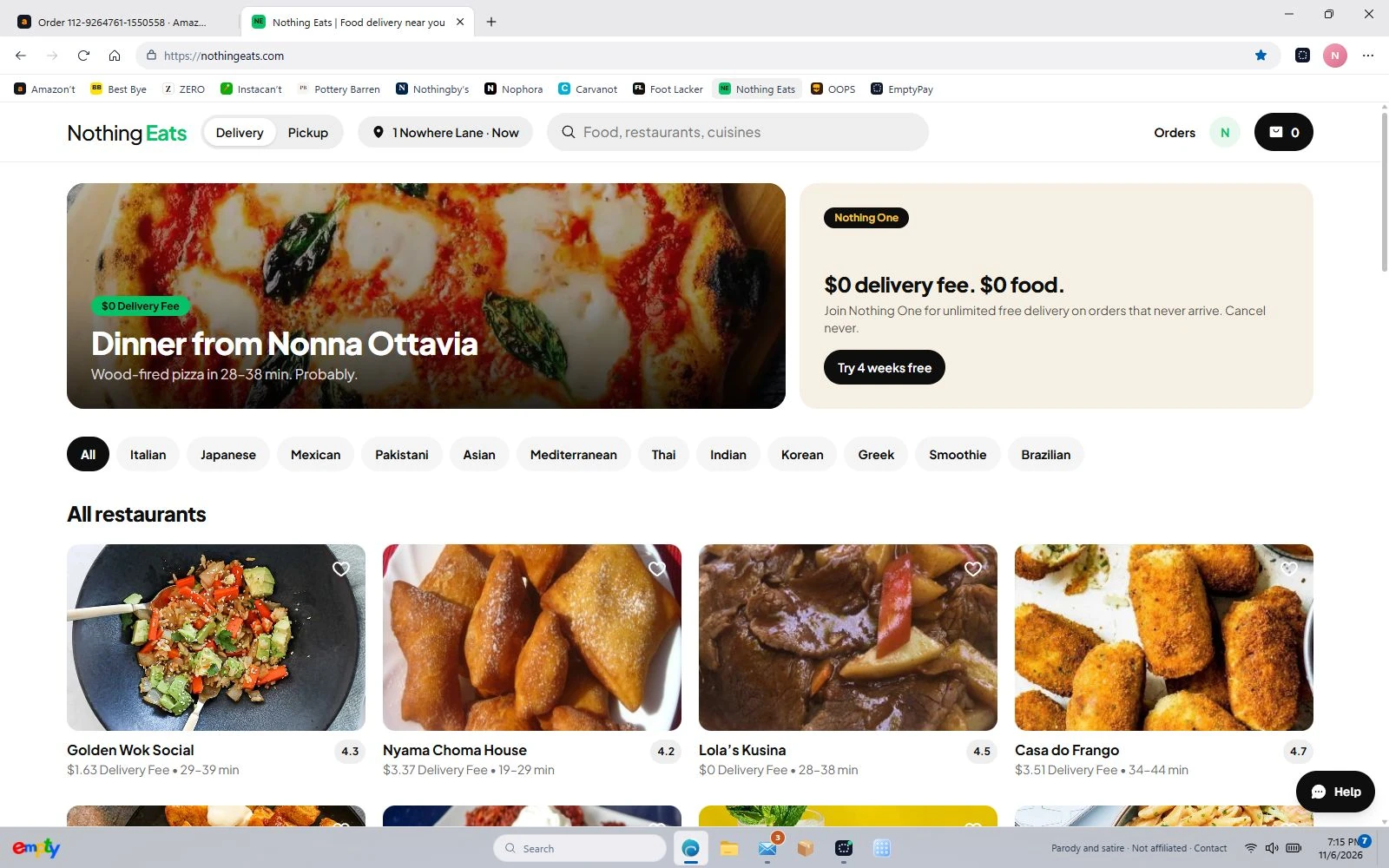
Nothing Eats turns takeaway ordering into a small performance. Pick a restaurant, look through the menu and choose a meal with its available extras. The checkout feels familiar, the payment uses imaginary money, and the courier takes the phrase “almost there” as a long-term professional commitment.
Open Nothing Eats in EmptyFree to play in your browser. JavaScript is needed for the PC; this guide works without it.
Order from a menu, not a product department
Open a restaurant to see its dishes. Use the item’s available choices and extras to put together a meal, then review the basket before checkout. This is a food-ordering experience, so the interesting decisions are restaurant, dish and customisation rather than clothing sizes or a box of gadgets.
The courier is intentionally evasive
After fictional payment, follow the food order’s tracking story. Repeatedly being close to arrival is part of Nothing Eats’ joke. Do not use it as the test for Empty’s ordinary parcel delivery: Amazon’t and the other parcel shops have a separate delivery-and-unboxing conclusion.
Try a specific stop
These shortcuts open the actual department or page inside Empty, so you can try the parts described above.
Before you switch on
Nothing Eats is an original parody, not affiliated with or endorsed by Uber Eats. The game uses imaginary money and fictional checkout details. No real purchase is made.
Your progress stays in this browser on this device. Read the playing guide or check privacy and contact details.